Digital signage is a screen that shows content you control remotely. Instead of printing a poster or writing a menu on a chalkboard, you connect a display to software and update what it shows from a browser — from one screen in one cafe, or hundreds across the country.
This guide covers what digital signage actually is, how it works, the main types, real examples by industry, what it costs in Australia, and how to set your first screen up. No jargon.
What is digital signage?
Digital signage is the use of electronic displays — TVs, commercial panels, tablets or LED walls — to show information, promotions, menus or wayfinding, managed centrally through software.
Three things separate digital signage from just plugging a USB stick into a TV:
- It is remote. You change what is on screen without walking up to it.
- It is scheduled. Content can change by time of day, day of week, or automatically.
- It is centralised. One dashboard manages every screen you own.
That is the whole idea. Everything else — AI, analytics, integrations — is built on top of those three.
How does digital signage work?
Every digital signage setup has four parts:
- The display. A TV, commercial-grade panel, or LED wall. For most Australian small businesses this is an ordinary Android TV.
- The player. The device that actually runs the content. It can be a separate box or stick, or it can be built into the TV. Modern Android TVs run signage apps directly, so no extra hardware is needed.
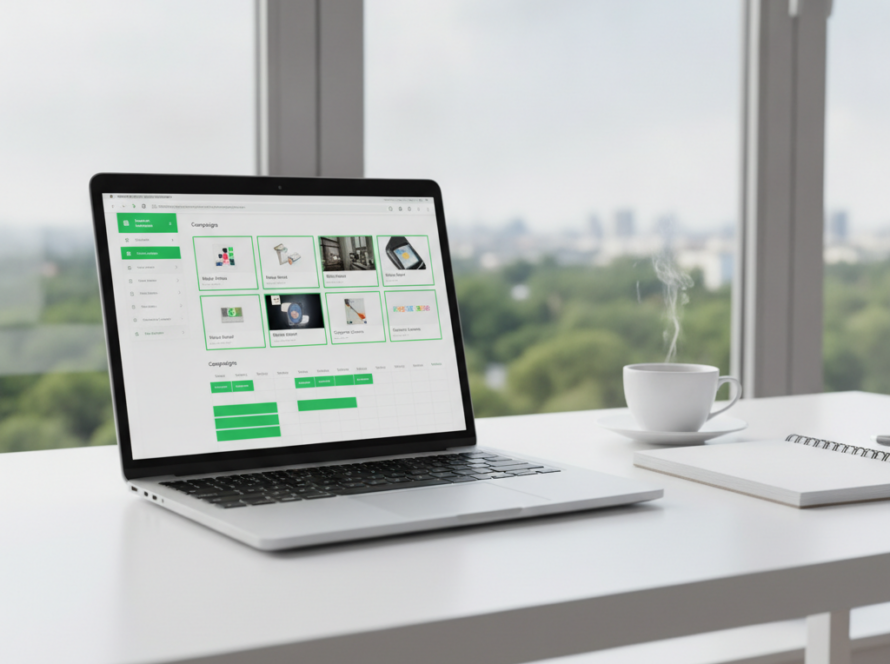
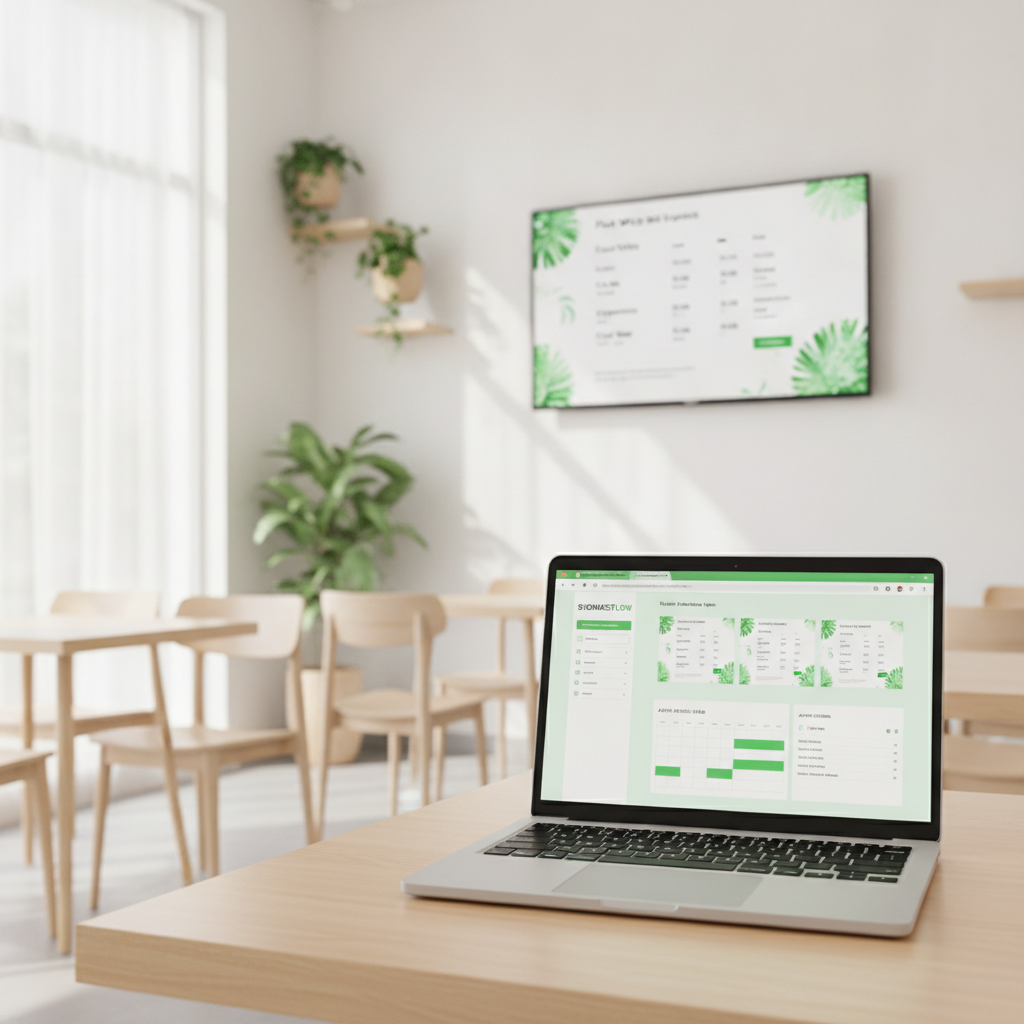
- The software (CMS). The cloud dashboard where you upload content, build playlists and set schedules. This is the part you interact with.
- The content. Images, video, menus, live data or web pages.
In practice: you install an app on the screen, pair it to your account, then everything else happens from your browser. If the internet drops, a good player keeps showing the last synced content from local cache.
Types of digital signage
Most deployments fall into one of these:
- Digital menu boards — food and drink menus with prices, common in cafes, QSR and bars. See our guide to digital menu boards.
- Promotional and retail screens — offers, new products, seasonal campaigns near the point of sale.
- Wayfinding — directories and directions in hospitals, campuses, offices and shopping centres.
- Internal communications — rosters, safety notices, KPIs and announcements for staff areas.
- Interactive kiosks — touchscreens for ordering, check-in or browsing a catalogue.
- Outdoor and window displays — high-brightness screens facing the street, common for real estate and retail.
Digital signage examples by industry
Abstract definitions are less useful than concrete ones. Here is what businesses actually put on screen:
- Cafes: a coffee menu with prices that swaps to an all-day breakfast board at 11am, with sold-out items greyed out automatically.
- Restaurants and bars: a dinner menu that becomes a happy-hour board at 4pm without anyone touching it.
- Retail: a window screen running the current promotion, changed centrally across every store on the same morning.
- Gyms: class timetables, trainer profiles and membership offers near reception.
- Medical and dental clinics: wait-time information, health messaging and practitioner introductions in the waiting room. See healthcare digital signage.
- Real estate: window listings with photos and prices, updated as properties come and go. See real estate digital signage.
- Schools: announcements, timetables and event notices across campus. See education digital signage.
- Supermarkets: aisle promotions and fresh-produce specials tied to what needs moving.
What are the benefits of digital signage?
The honest version, without inflated statistics:
- Changes cost nothing. Once a screen is running, updating it is free. Reprinting a poster is not.
- Speed. A price change takes seconds instead of a print run.
- Consistency across sites. Every location shows the correct current promotion, not last month’s leftover poster.
- Scheduling. Breakfast, lunch and dinner boards run themselves once configured.
- Less waste. No laminated signs in the bin every time something changes.
The catch worth naming: a screen with stale content is worse than a printed sign. The real cost of digital signage is not the hardware or the licence — it is whoever has to keep the content fresh. That is exactly the job modern AI-assisted platforms are trying to remove.
How much does digital signage cost in Australia?
There are three separate costs, and vendors often blur them:
- The screen. A consumer TV starts a few hundred dollars; a commercial panel rated for all-day use costs more but lasts longer.
- The player. Zero if your TV runs Android and the software is an app. Otherwise a small box.
- The software. Usually a monthly subscription per active screen.
Sign Inspire’s software starts free with one active screen, then A$29 to A$99 per month depending on how many screens you run. Full breakdown on the digital signage pricing page.
How to set up digital signage
For a single screen, this is genuinely a three-step job:
- Install the app on an Android TV, box or commercial display you already own.
- Pair the screen to your account using the code it shows.
- Build and publish your first playlist or menu from the browser.
Step-by-step instructions are on the free digital signage software download page.
Digital signage for small business
Small venues often assume digital signage means a capital project with an installer and a contract. It does not have to. If you already own a TV and it runs Android, the only new thing is software — and you can start on a free plan with a single screen to see whether it earns its place before spending anything.
Start small: one screen, one job. A menu board, or a promo screen at the counter. Add screens once it is clearly working.
Frequently asked questions
What does digital signage mean?
It means using electronic displays, controlled by software, to show information or promotions in a physical space — as opposed to printed posters or static signs.
Do I need special hardware for digital signage?
Not necessarily. Many modern Android TVs and commercial displays run signage software directly as an app, so no separate media player is required. For all-day trading, a commercial-grade panel outlasts a consumer TV.
Does digital signage work without internet?
Yes, up to a point. Good players cache content locally and keep playing if the connection drops, then sync again when it returns. You need internet to push changes.
What is the difference between digital signage and a TV showing a slideshow?
Control. A slideshow is manual and local. Digital signage is scheduled, remotely managed and consistent across multiple screens.
Is digital signage worth it for one location?
It can be, if your content changes often — menus, prices, daily specials. If your signage never changes, print is cheaper.