Yes, you can run a digital menu board on an Android TV, or on any Android box. Install the free Sign Inspire app, pair the screen with your dashboard, let the AI lay out your menu, schedule your breakfast-to-lunch switches, and publish. The Free plan covers 1 screen, and paid plans start at A$29 a month.
This guide is for café owners and managers who already have an Android TV or box, or plan to buy one, and don’t want to hire a designer or buy a dedicated menu screen. Sign Inspire is android based digital signage software, so a screen you already own can become a café digital menu board.
What you need to run a digital menu board on Android TV
You need three things:
- An Android TV, set-top box, stick or signage display. Sign Inspire needs Android 5.0 or higher.
- Wi-Fi or a wired internet connection.
- Your menu: items and prices. You can type them in or let the AI work from what you give it.
Sign Inspire is software only, so there is no hardware to buy from us. You use a screen you already own.
Because the app is a free Android app, it works as digital signage for Android TVs, set-top boxes, mini-PCs and signage sticks, so you can pick whatever suits your counter. If you are looking for Android digital signage that doesn’t need new hardware, this is it.
Which TV should you use?
A normal home TV is fine to start with, especially if it sits indoors behind the counter. A few things to think about:
- Hours. For all-day trading, a commercial-grade panel lasts longer than a consumer TV. If your café opens early and closes late, plan to move to one eventually.
- Position. A screen facing a window or in a bright room needs to be brighter than a typical home TV. Behind the counter, a standard TV is usually enough.
- Orientation. Portrait and landscape both work, so mount it the way that suits your wall and your menu.
- Box or built-in Android. If your TV doesn’t run Android, a small Android box or stick plugged into it will do the job.
You don’t need to decide on a commercial screen today. Start with what you have, see how your customers respond, and upgrade later if you need to.
How to set up a digital menu board on Android TV: 5 steps
Step 1: Install the Sign Inspire app
On your Android TV or box, open the Google Play Store, search for Sign Inspire and tap Install. If your device has no Play Store, which is common on some commercial signage players, download the APK file from your Sign Inspire dashboard, allow “Install unknown apps” in Android settings, and install it from there.
Step 2: Pair your screen
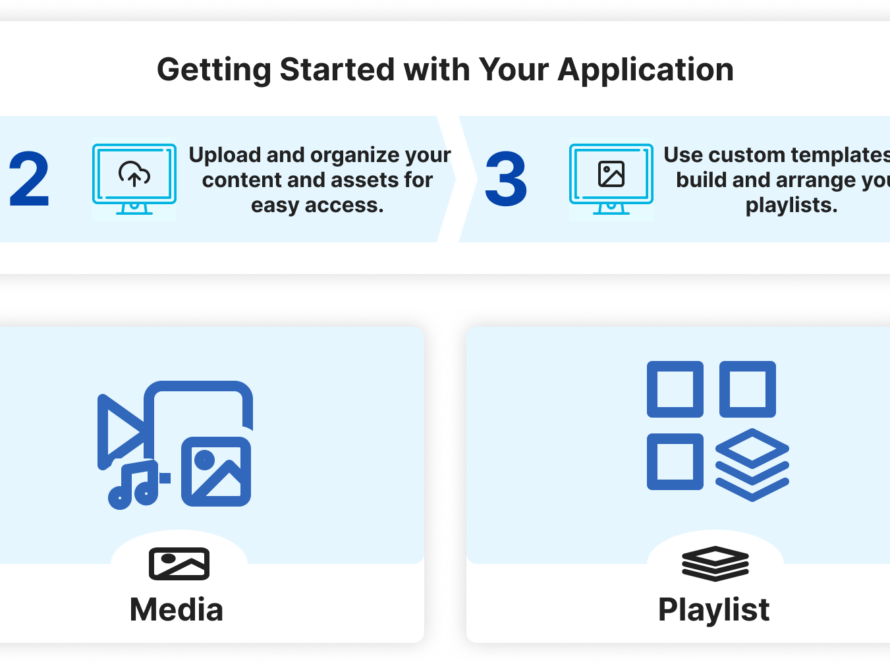
Open the app. It shows a pairing code on the screen. Sign in to your Sign Inspire dashboard, add a screen, and enter the code. The screen goes live and is ready to receive content.
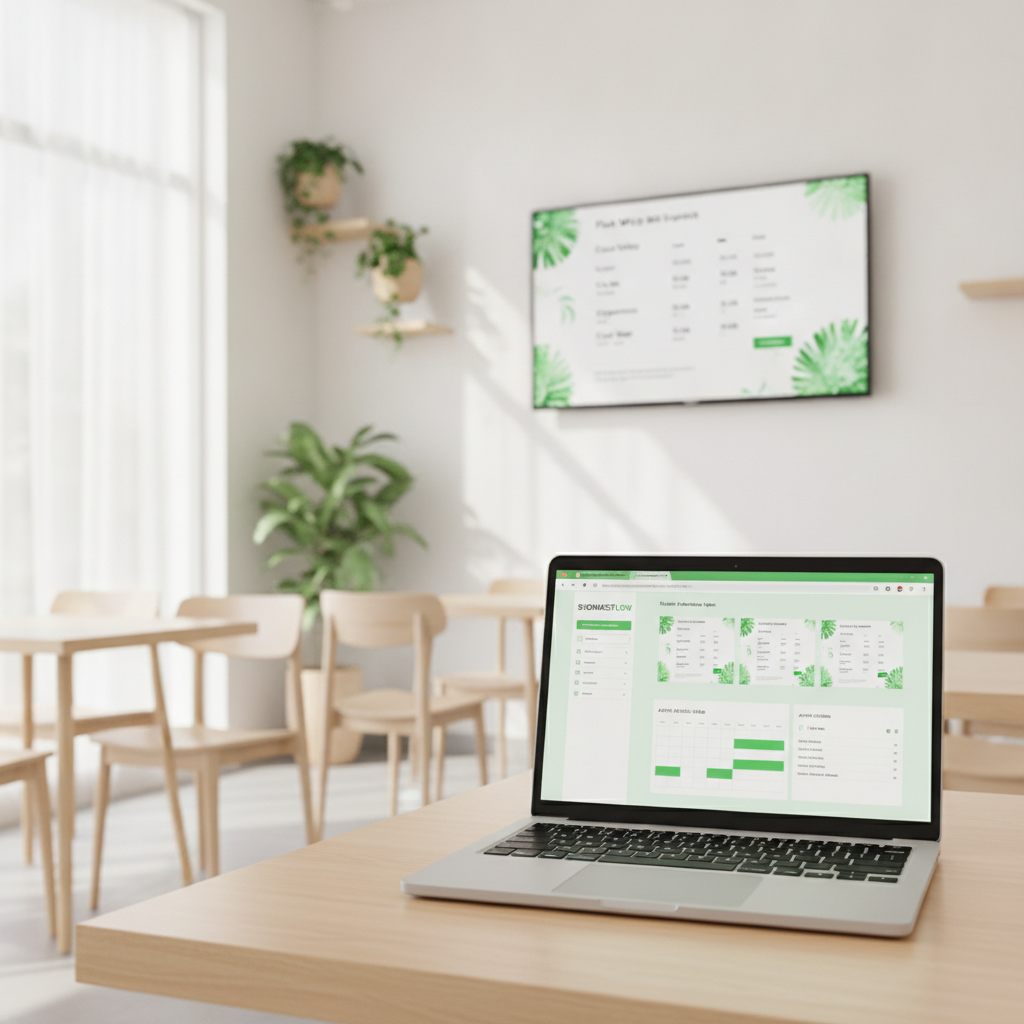
Step 3: Let the AI build your menu
Add your items and prices, or tell the AI what you sell. The Menu Board Agent lays the menu out on a board that keeps your branding. When a price changes, you edit the menu once and the board updates, with no new design and no USB stick.
Sign Inspire doesn’t import Canva designs at the moment, so the quickest route is to let the AI design the menu for you.

Step 4: Schedule breakfast, lunch and all-day boards
Set up one board per part of the day and schedule when each plays. For example, a breakfast board could run from 6:00 am and switch to lunch at 11:00 am. Those times are only examples, so use the hours you actually trade. Once the schedule is set, the screen switches by itself.

Step 5: Approve and publish
Before anything goes live, you approve it. By default, nothing the AI creates is published until you tap approve. After you publish, the content goes to your paired screen. The player keeps your menu cached, so if the internet drops, the menu keeps playing and syncs again when the connection returns.

Café menu board ideas for Melbourne Cup, Black Friday and Christmas
A café digital menu board is most useful when you change it. These ideas are things a café owner can do; they are not built-in features or offers.
- Daily specials. Replace the handwritten blackboard. Swap today’s special in a minute: “Today only: banana bread with any large coffee.”
- Melbourne Cup (Tuesday 3 November). A race-day lunch or a treat for the 3pm race: “Cup Day lunch: sandwich and a sparkling.” If you are in Victoria, see how screens work for Melbourne cafés and venues.
- Black Friday (27 November). A bundle or loyalty offer: “Buy a bag of beans, add a coffee for less.”
- Christmas. A festive drink or gift-card reminder: “Gift a coffee this Christmas. Ask at the counter.”
- Everyday specials. A “Today only” slot for banana bread, a seasonal muffin, or the soup of the day.
Because the screen can switch automatically, you can plan these once and take them down on schedule the next day. For more ideas by venue type, see how AI-designed menu screens work in Australian cafés and restaurants.
Example: how a café could set it up
This is a hypothetical example, not a real customer.
Imagine a small café in Adelaide with an Android TV above the counter. The owner installs the free Sign Inspire app from Google Play. The TV runs Android 5.0 or higher, so no new hardware is needed. The app shows a pairing code, and the owner enters it in the dashboard to connect the screen.
Next, the owner types in the breakfast and lunch items with their prices, and the AI Menu Board Agent lays out two boards. The breakfast board is scheduled from 6:00 am and the lunch board from 11:00 am, so the screen switches by itself each day. Nothing goes live until the owner taps approve.
When a price changes, the owner edits the item once and the board updates. If the Wi-Fi drops during the morning rush, the cached menu keeps playing.
One screen fits the Free plan. If the café later adds screens near the door and the coffee bar, the Starter plan covers 3 screens for A$29 a month, including GST.
How much does it cost to run a digital menu board on Android TV?
Sign Inspire plans are priced in Australian dollars and include GST:
- Free: 1 active screen, 200 AI credits (one-time) and unlimited locations.
- Starter: A$29 a month for 3 screens.
- Creator: A$49 a month for 5 screens.
- Growth: A$99 a month for 10 screens.
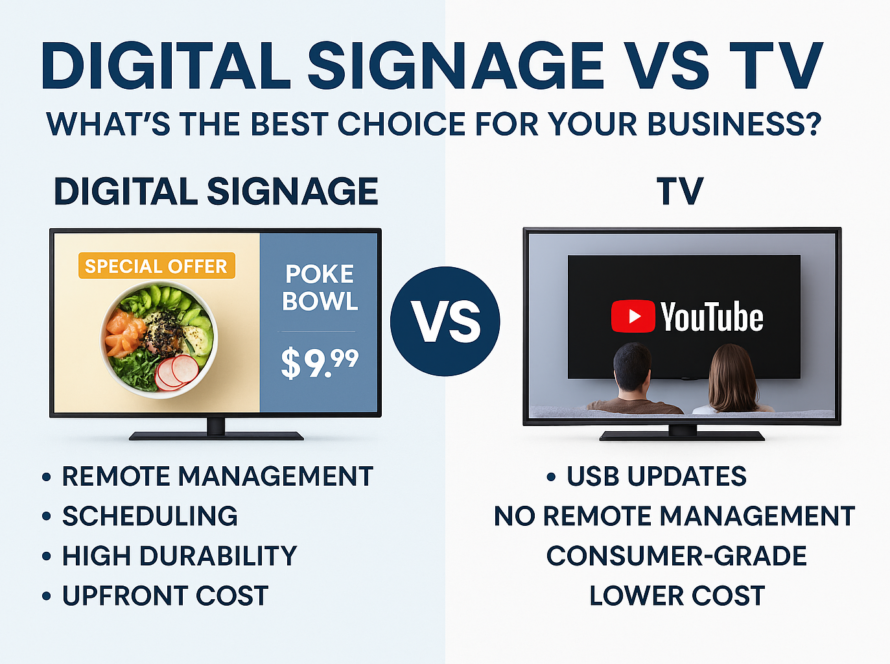
The screen itself is a separate cost if you don’t already own one. A dedicated menu screen means buying a whole display with a player built in, while an Android TV or box you already have costs nothing extra for the software. For a breakdown of hardware and install costs in Australia, see digital menu board costs in Australia, or check the Sign Inspire pricing page.
Frequently asked questions
Can I use any Android TV as a digital menu board?
Sign Inspire runs on Android TVs, boxes, sticks and signage displays through a free Android app. It needs Android 5.0 or higher.
Do I need to buy special hardware for a café digital menu board?
No. Sign Inspire is software only, so you use a screen you already own.
How much does it cost to run a digital menu board on Android TV in Australia?
It’s free for 1 screen. Paid plans start at A$29 a month, including GST. The screen itself is a separate cost if you need to buy one.
How do I connect my Android TV to Sign Inspire?
Install the app, open it to see a pairing code on the screen, then enter that code in your dashboard.
Can my menu switch from breakfast to lunch automatically?
Yes. Schedule your boards once and they switch at the times you set.
What happens to my digital menu board if the internet drops?
The player caches your board, so the menu keeps playing. It syncs again when the connection returns.
Is there digital signage for cafes in Australia that runs on Android?
Yes. Sign Inspire is an Australian digital signage platform for cafés, retail, gyms, salons, clinics and real estate, and it runs on Android TVs and boxes through a free app.
Can I show my Canva designs on a digital menu board?
Not at the moment. Sign Inspire’s AI can design the menu for you instead.
Will the AI publish my menu without me approving it?
By default, no. Campaigns wait for your approval.
Get your café menu on screen today
Start free with 1 screen: download the Sign Inspire app or see the plans. Want inspiration first? Browse our menu board examples first.