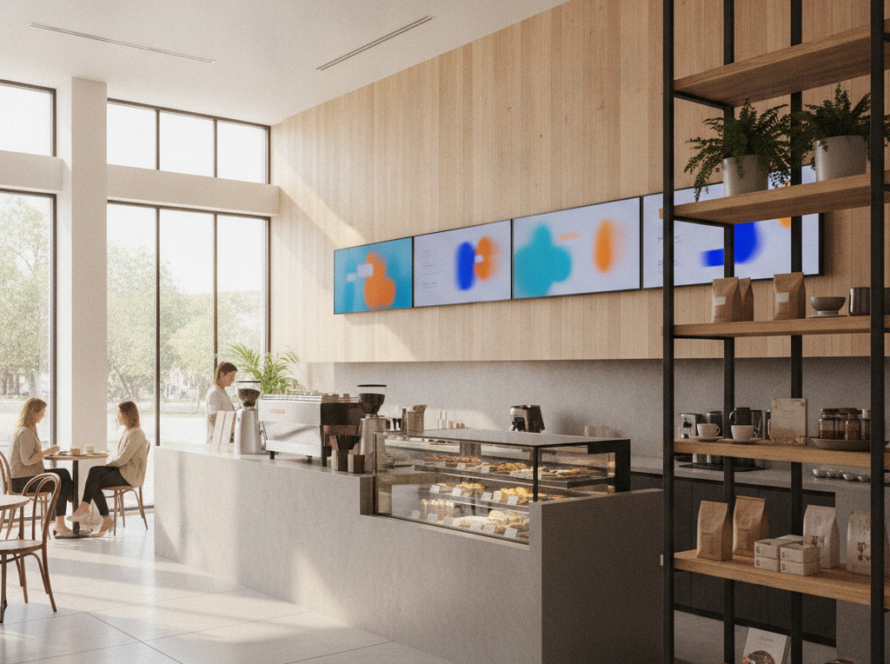
Picking a screen is easy. Picking the digital signage software that drives it is where most Australian businesses get stuck — and where the wrong call costs you for years. The player hardware is a one-off; the software is what you live with every day, pay for every month, and curse every time a menu update doesn’t push to the screen.
This guide cuts through the feature-sheet noise. Here are the seven things that actually matter in 2026, the pricing traps to watch, and a one-page scoring checklist you can use before you sign anything.
TL;DR — The best digital signage software is the one your staff will actually update. Prioritise a browser-based editor, real scheduling/dayparting, multi-site control, offline playback and open hardware — then pressure-test pricing for hidden per-user and lock-in fees before you commit.
First, be honest about what you’re solving
Before you compare vendors, write down the job. “We want screens” is not a brief. These are:
- Restaurants & cafés — fast menu/price changes, dayparting (breakfast → lunch → dinner), and specials that don’t need a designer. See our restaurant digital signage and digital menu boards breakdowns.
- Retail — promotions tied to stock, seasonal campaigns, multi-store rollout from head office. More in our retail store digital signage guide.
- Medical, corporate, education — wayfinding, queue/room info, compliance messaging that has to be reliable, not flashy.
Your use case decides which features are deal-breakers and which are nice-to-haves. Everything below is weighted against that.
The 7 features that actually matter
1. A content editor your staff will actually use
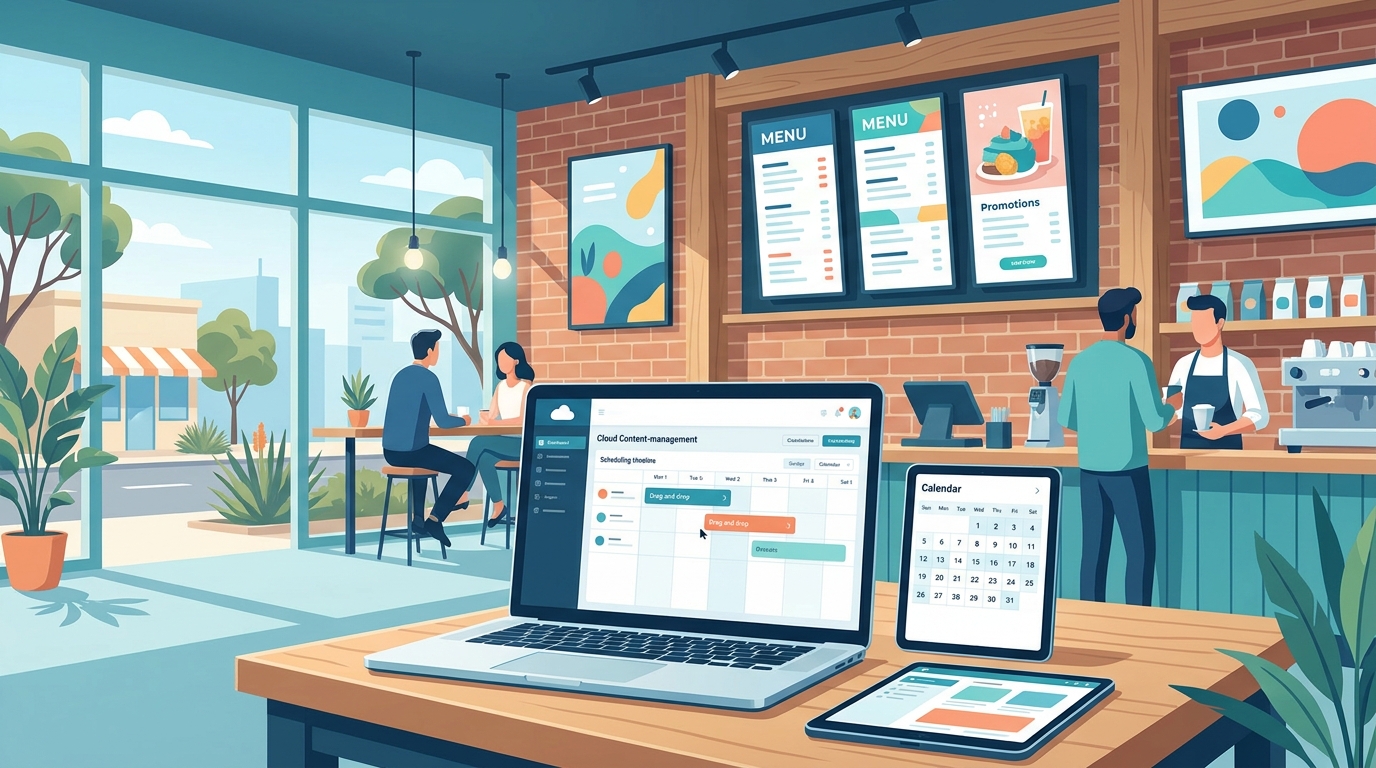
If updating a price takes a support ticket, the screens go stale within a month. The best digital signage software lets a non-designer change text, swap an image, and schedule a promo in under two minutes — from a browser, not a clunky desktop app.
2. Scheduling and dayparting
You should be able to say “show the breakfast menu until 11am, lunch until 3pm, happy-hour board after 5pm” once, and never touch it again. Weak scheduling is the single most common reason signage projects quietly die.
3. Multi-screen and multi-site management
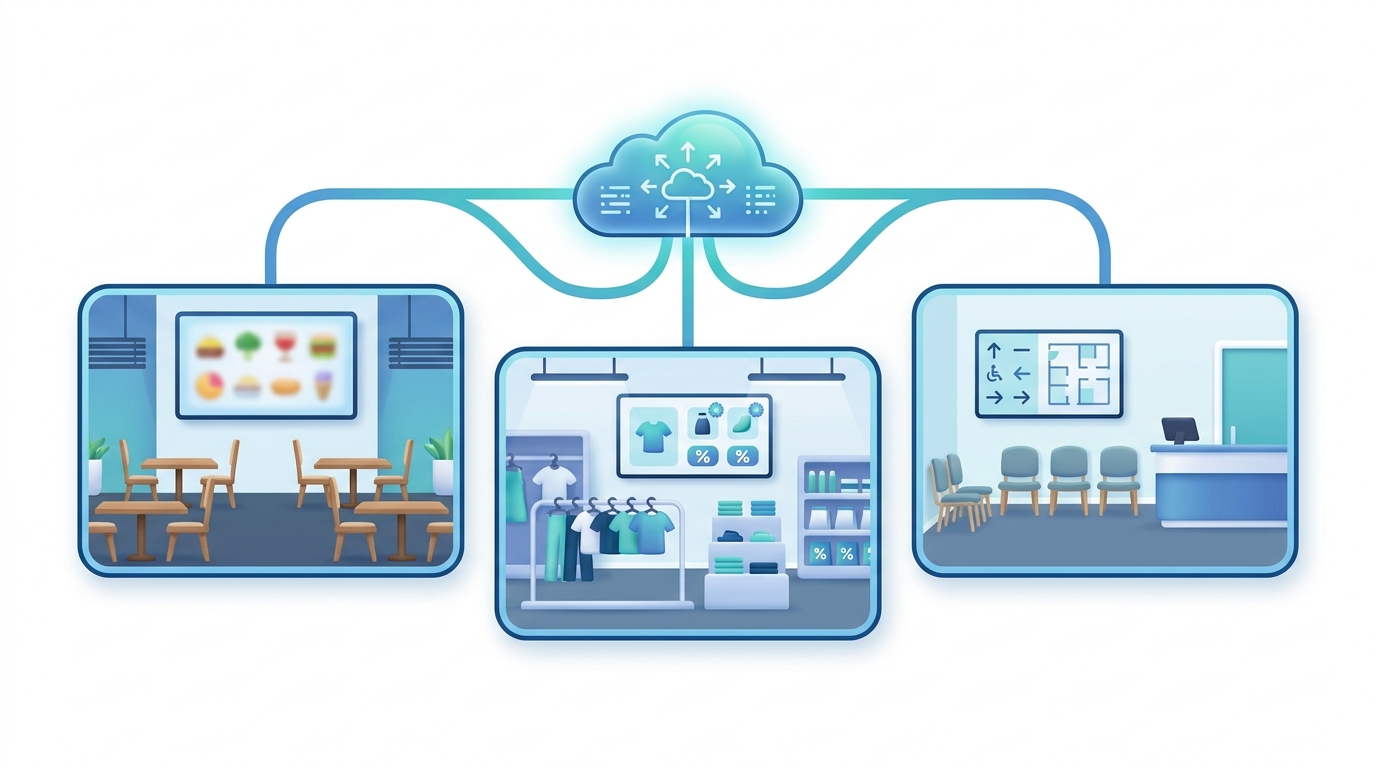
One café with one screen is simple. Five stores with twelve screens is a different problem. Look for screen grouping, push-to-all-or-some, and per-location overrides so head office controls the brand while a store can run a local special.
4. Reliability and offline playback
Internet drops. Your screens shouldn’t go black when it does. Good software caches content locally and keeps playing, then re-syncs when the connection returns. Ask vendors this directly — many dodge it.
5. Templates and brand control
Pre-built, on-brand templates mean staff produce consistent screens without a designer. Locked brand elements stop a well-meaning employee from turning your menu board into clip-art chaos.
6. Hardware flexibility
Avoid software that only runs on the vendor’s proprietary (expensive) player. Software that runs on standard Android media players or commercial displays keeps your hardware costs — and your options — open.
7. Support that answers in your timezone
Overseas-only support means a 2am ticket when your lunch board is broken at midday Adelaide time. Local or timezone-aligned support is worth paying a little more for.
Pricing: where the real cost hides
Headline per-screen pricing is the smallest part of the story. The traps:
- “Free” tiers that cap screens, strip scheduling, or watermark content. Fine to trial, painful to scale.
- Per-user fees stacked on top of per-screen fees.
- Lock-in hardware — cheap software, expensive mandatory player.
- Template/design add-ons billed separately.
- Support tiers where usable response times sit behind the premium plan.
The honest total: Total cost of ownership = (software/screen/month × screens) + hardware + setup + the staff time to run it. A platform that’s A$5/month more but saves two hours a week of fiddling is cheaper by any honest measure.
For a like-for-like look at the main Australian options, see our 2026 comparison: Sign Inspire vs Mandoe vs Yodeck.
A quick scoring checklist
Rate each vendor 1–5, then total:
| Criteria | Weight | Vendor A | Vendor B |
|---|---|---|---|
| Ease of content editing | ×3 | ||
| Scheduling / dayparting | ×3 | ||
| Multi-site management | ×2 | ||
| Offline reliability | ×2 | ||
| Templates & brand control | ×2 | ||
| Hardware flexibility | ×2 | ||
| Local support | ×1 | ||
| Transparent pricing | ×2 |
Anything scoring below 60% of the max on your two highest-weighted rows is a no, regardless of price.
Where Sign Inspire fits
Sign Inspire is cloud digital signage software built for Australian businesses: browser-based editing, proper scheduling and dayparting, multi-site management, offline playback, and hardware you’re not locked into — with support in your timezone. If you want the full feature and pricing breakdown, see our digital signage software page.
FAQ
What is digital signage software?
It’s the cloud platform that lets you create, schedule, and manage what shows on your screens — remotely, across one or many locations. The screen and player are hardware; the software is the brain.
How much does digital signage software cost in Australia?
Most platforms charge per screen per month, typically A$10–A$40 depending on features, plus hardware. Watch for per-user fees and mandatory proprietary players that inflate the real total.
Can I use my own screens and players?
With flexible software, yes — standard commercial displays and Android media players work. Avoid platforms that only run on their own locked hardware.
Do the screens keep working if the internet drops?
With good software, yes — content is cached locally and keeps playing, then re-syncs when the connection returns. Always confirm this before you buy.
Ready to shortlist? Start with the digital signage software overview, then run the scoring checklist above against any two vendors.