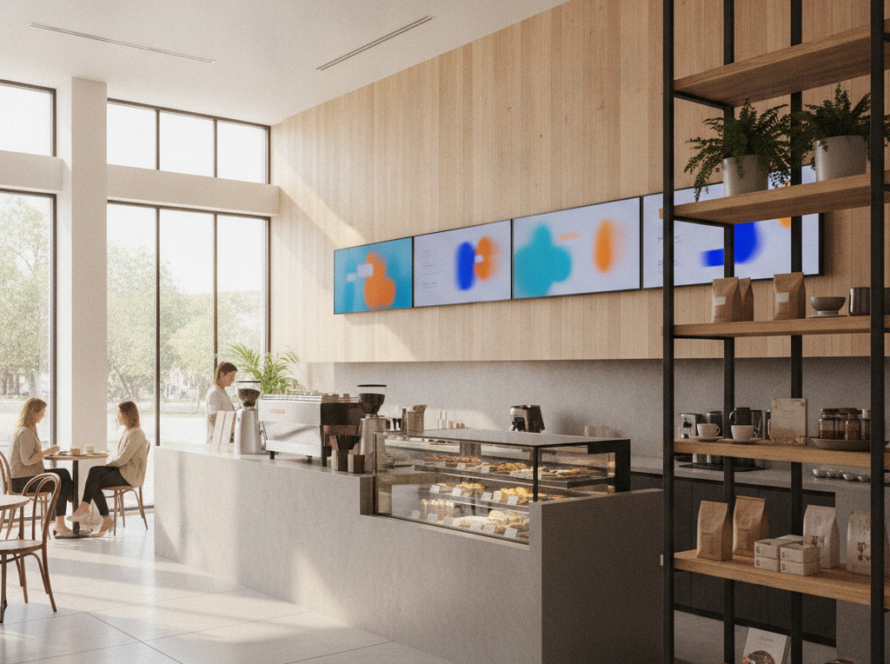
Most digital signage software still assumes a human will sit down, open a dashboard, click through a media library, drag a file onto a playlist, and hit publish. That workflow made sense in 2015. It makes less sense now that AI assistants can read your calendar, query your database, and write your code.
So we open-sourced the missing piece: an MCP server for digital signage. It lets AI agents like Claude, Cursor, or any MCP-compatible client talk directly to physical screens — in plain language, with no dashboard in between.
The repository is public on GitHub: SignInspire/sign-inspire-mcp-server.
What is MCP, and why should a signage operator care?
The Model Context Protocol (MCP) is an open standard, originally released by Anthropic, that defines how AI applications connect to external tools and data. Think of it as a common plug: instead of every AI vendor building a bespoke integration for every system, a service exposes one MCP server and every MCP-capable client can use it.
For digital signage, that plug matters more than it does for most software categories, because signage operations are unusually repetitive:
- Checking which screens went offline overnight
- Pushing a seasonal campaign to a subset of locations
- Confirming that a client’s ad actually played the number of times it was booked
- Swapping content across a region when a promotion ends
Each of those is a handful of clicks. Multiply by a few hundred screens and a few dozen campaigns and you have a job that reads like a script — which is exactly the kind of job an AI agent should be doing.
What the server does today
The current release exposes a small, deliberately conservative set of tools over the Sign Inspire cloud digital signage platform:
list_locations— enumerate venues and screens, including online/offline statuslist_media— browse the media librarycreate_campaign— schedule content to a defined set of displays
In practice, a session looks like this:
You: Which screens in Sydney are offline right now?
Agent: Three of twelve Sydney displays are offline: Bondi Junction Level 2, Chatswood Foyer, and Parramatta Café. The first two have been down since 04:12.
You: Put the Summer Promo video on every online Sydney screen from Friday to the end of the month.
Agent: Campaign created across nine displays, 26–31 January. Want me to include the three offline screens so they pick it up when they reconnect?
No dashboard, no drag and drop, no export to spreadsheet.
Why we made it open source
Three reasons, in order of honesty.
1. Integration should not be a lock-in strategy. If our API is good, publishing the connector costs us nothing. If it isn’t, hiding it wouldn’t have saved us.
2. The protocol is young. MCP conventions around authentication, error handling, and long-running operations are still settling. Building in public means our implementation gets corrected by people who have shipped more MCP servers than we have.
3. Hardware-controlling agents are an unsolved design problem. A software agent that writes a bad function call wastes a few seconds. An agent that pushes the wrong creative to a shopping centre wall is a different category of mistake. We would rather work through those guardrails — confirmation steps, scoped credentials, dry-run modes — with other developers watching than invent them alone.
Roadmap
The initial release is intentionally narrow. Planned additions include playlist management, per-screen playback history and proof-of-play reporting, remote device restart, and scheduling rules based on time, day, or external triggers such as weather and stock levels.
Try it
The server runs over stdio and installs like any other MCP server. Configuration snippets for Claude Desktop and Cursor are in the README, along with the environment variables you’ll need for API credentials.
Repository: github.com/SignInspire/sign-inspire-mcp-server
Issues and pull requests are welcome. If you run a signage network and there’s a workflow you’d want an agent to handle, open an issue and describe it — that’s the most useful contribution right now.
If you’re new to the platform itself, you can read more about Sign Inspire cloud digital signage software and how our displays are managed.