From the first coffee to the last service — your screens should be working as hard as you do.
Walk through six dayparts of an Australian restaurant. Each one has a use case where digital signage moves a number — order value, queue time, waste, compliance, brand. None of it requires a tech team.
Static menu boards die slowly. One item changes — reprint. Allergen rules tighten — reprint. Supplier ups the price — reprint or eat the margin. Digital signage for restaurants kills that cycle, and along the way unlocks queue management, drive-thru, kitchen workflow, table-side, brand storytelling, and food-safety compliance — all from one CMS.
This guide walks an Australian restaurant or café day, daypart by daypart. We finish with hardware specs, FSANZ / AHPRA / ACCC compliance, POS integration, costs, and a 14-day pilot.
BREAKFAST
Quiet floors. Coffees out the door. Menu boards earn their keep.
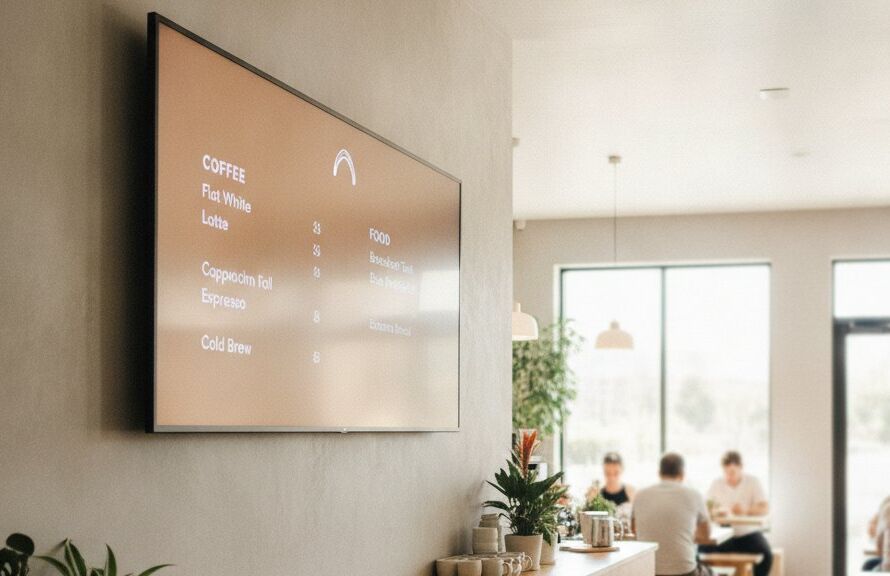
It’s 7:15 a.m. The first commuters are at the counter for a flat white and a piece of banana bread. Your menu screens are running the breakfast daypart: coffee, pastries, sandwiches with kJ values, and a “grab-and-go” combo. Customers who walked in for a coffee leave with breakfast.
10:30 a.m. — breakfast hides, brunch comes up. Staff don’t touch anything.
Flat white + breakfast roll surfaced for commuter dwell time.
Cold morning → soup of the day at top of board. Heatwave → iced coffee leads.
LUNCH RUSH
The screens stop being signage. They become operations.
By 12:15 the queue is out the door. Two staff on register, two in the kitchen. The screens are doing three jobs in parallel:
- Front-of-house menu shows lunch with bold pricing, kJ values (mandatory if you’re 20+ outlets in NSW/ACT/SA/QLD), and a “high-margin item” feature spot rotating every 8 seconds.
- Order-ready board at pickup shows token numbers and ETAs. “Order 47 — 2 mins” — customers stop asking “is mine ready?”
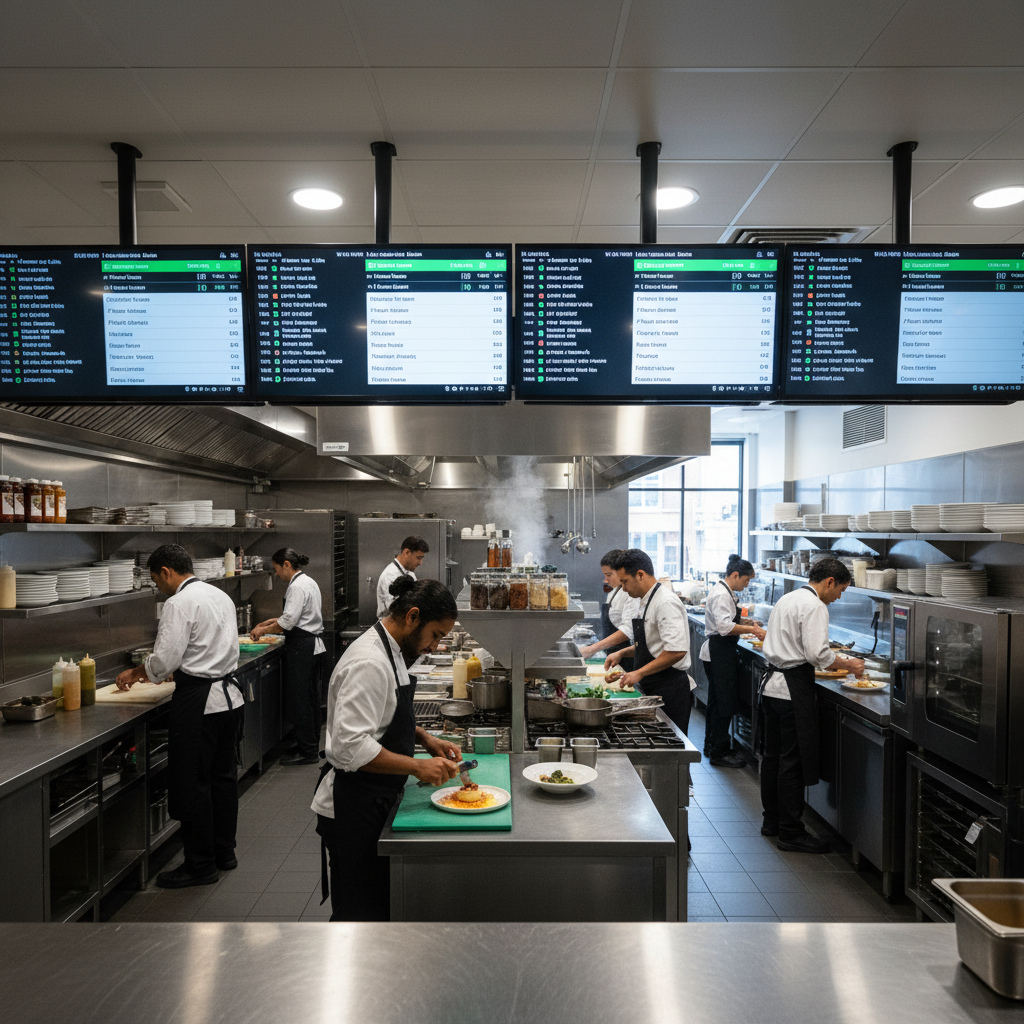
- Kitchen display screens at each station have replaced paper tickets. Orders route by category (salads to cold station, hot dishes to grill).
AFTERNOON LULL
Lull-hour traffic, prime time for brand storytelling.
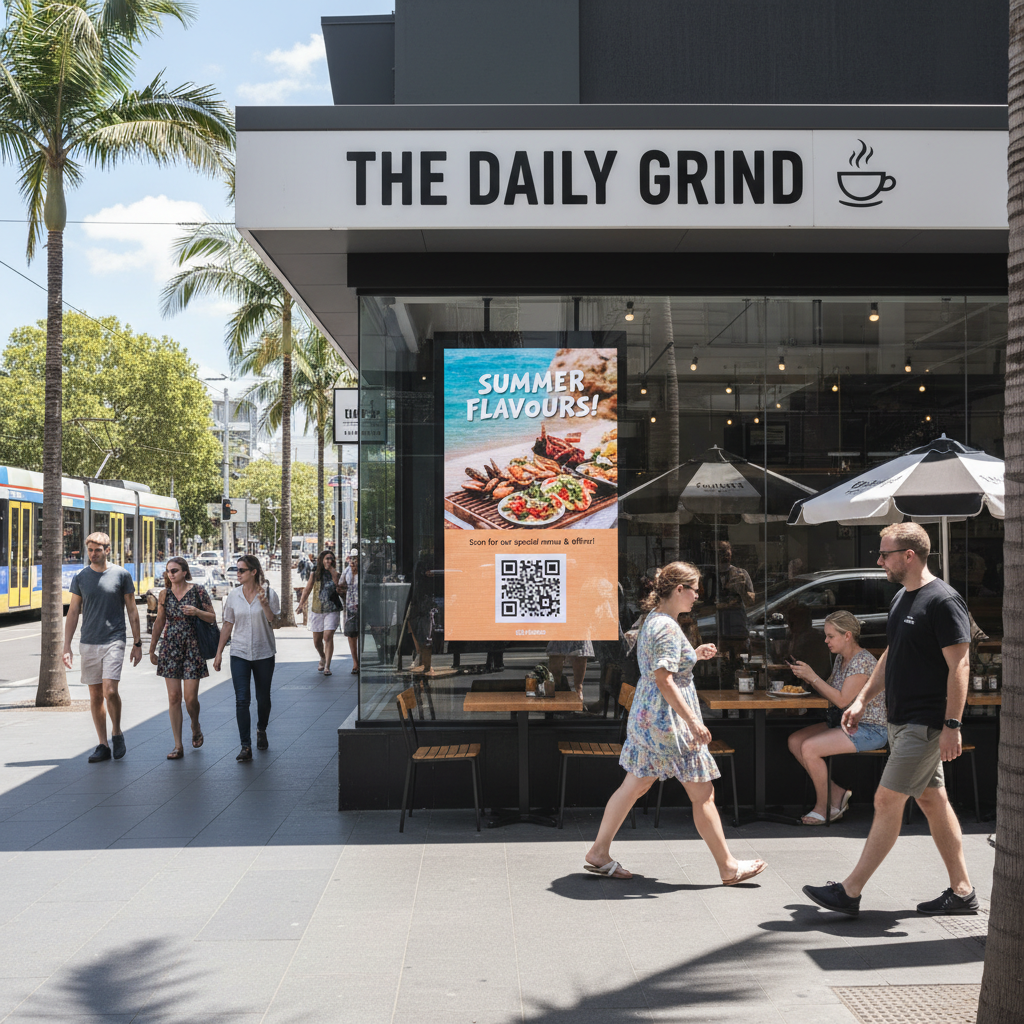
Foot traffic drops. The team preps for dinner. This is when the shopfront screens earn their second job: pulling foot traffic for the afternoon coffee-and-cake crowd. High-brightness window display (2,500+ nits) shows fresh bakes coming out of the oven on a live feed, a “happy hour drinks 4–6 p.m.” countdown, and weekend brunch booking QR codes.
DINNER SERVICE
Bigger checks, longer dwell, every screen pulling its weight.
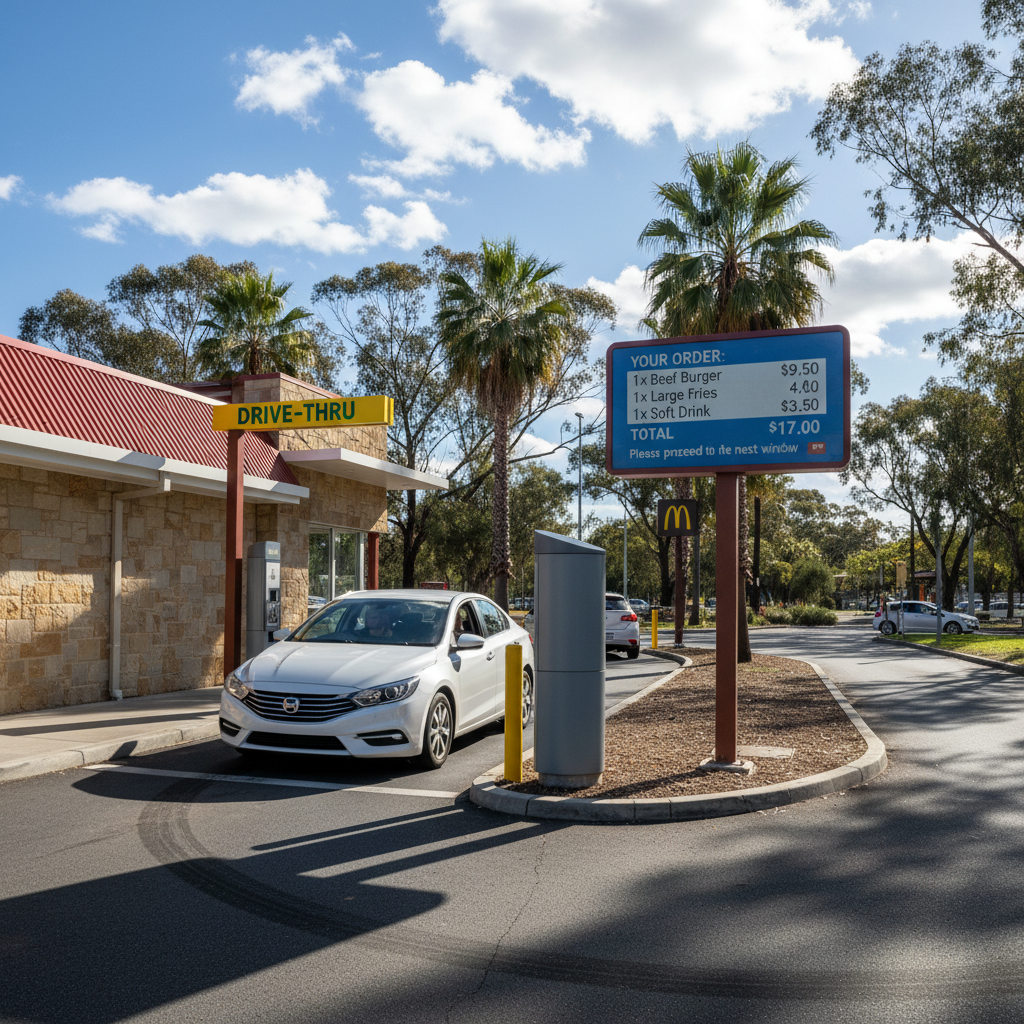
For full-service restaurants, dinner is where table-side screens and the drive-thru matter most.
- Table-side or booth displays reduce ordering errors, speed turnover, and surface premium add-ons (dessert wine, sharing platters) without server pressure.
- Drive-thru order confirmation screens at QSR brands reduce errors 30–50% in published case studies and let the next car in queue see the screen as a brand surface.
- Allergen overlays show on tap for guests asking. FSANZ compliance handled in the CMS, not on a printed menu that needs reprinting.
LATE NIGHT
Late-night promos, function bookings, brand mood.
The dinner crowd thins. The bar fires up. Screens swap to a late-night personality: cocktail menu, weekend live music line-up, bookings for upcoming functions, and an Instagram-worthy brand video on the back wall. Loyalty signups get top billing — late-night customers convert better than morning ones.
CLOSE & HANDOVER
Screens off. CMS sends the day’s data.
The screens power down on schedule (extends panel life, cuts electricity). The CMS sends the daily wrap to the practice manager’s inbox: which featured items got the most attention, what the queue times looked like, where the kitchen had backlogs. By 11:30 a.m. tomorrow, the menu has shifted to lean into what worked.
10 Use Cases, One Stack
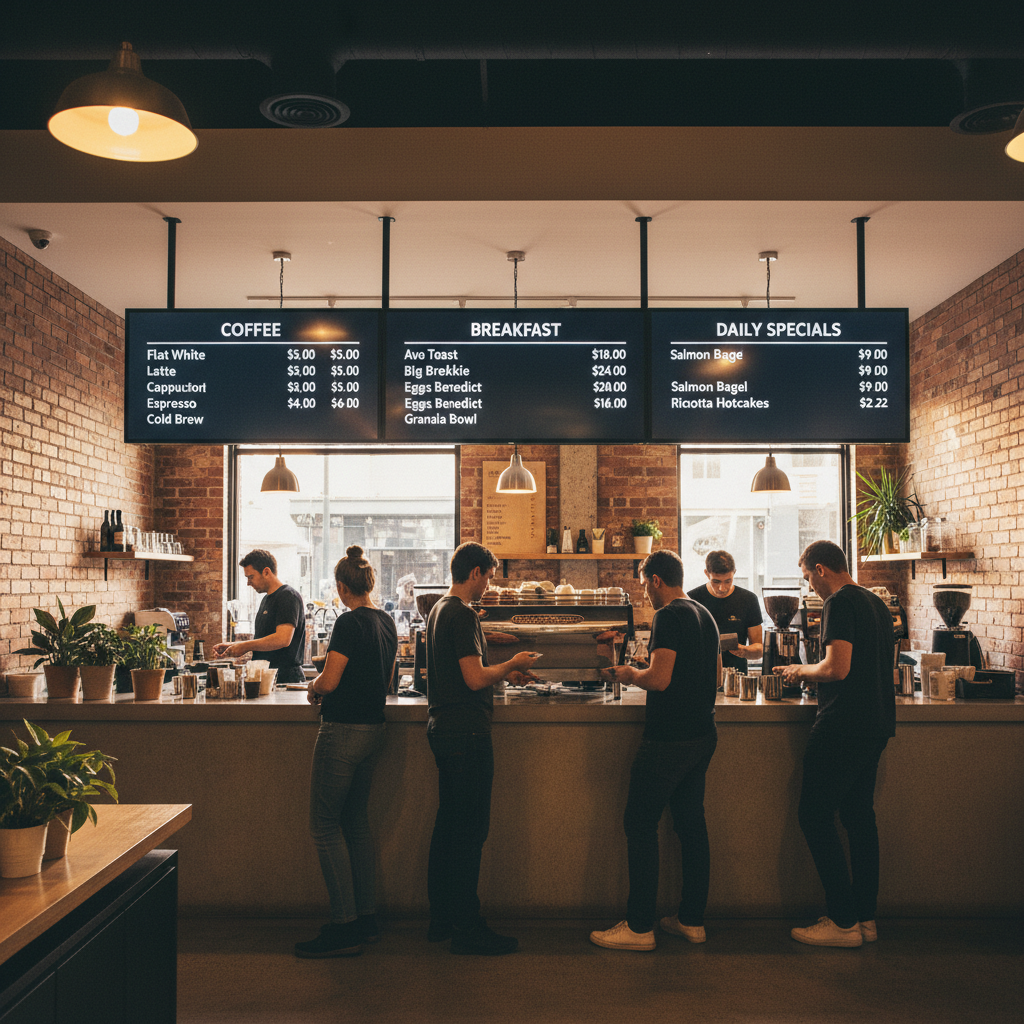
Indoor 3-screen layout: mains, sides, specials.
IP65 outdoor; reduces order errors, drives upsell.
Token + ETA boards at pickup.
Menus, payment, add-on prompts.
High-brightness; pulls foot traffic.
Routes orders by station; replaces paper tickets.
Shifts, allergen alerts, training.
Reception screens with signup QR codes.
Sourcing, people, sustainability.
Events, booking countdowns, QR codes.
Australian Compliance: Get This Right Once
Allergens, ingredients, nutrition info accessible before purchase. Digital menus can show on tap.
NSW / ACT / SA / QLD: 20+ outlets in state or 50+ nationally must display kJ on same line as price, equivalent size.
Total price including GST and surcharges must be clear. Sunday / public holiday surcharges visible when applied.
14-allergen framework. Icons or clear “see allergen info” cue on every menu.
Halal, kosher, vegan, vegetarian — back with certification or supplier documentation.
Voluntary, but if used on packaged products, apply HSR system consistently.
POS Integration: Where the Real ROI Lives
Standalone signage is fine. Signage integrated with your POS is where operations transform. Plan for:
Item runs out → item greys out on the menu in seconds.
Change in POS → reflected on every board, every store.
10:31 a.m. — breakfast hides, brunch comes up.
POS marks ready → queue screen updates. Items hit station screens by category.
Common AU integrations: Square, Lightspeed, Kounta, MYOB Retail, Vend, plus bespoke POS via API/webhook.
Hardware Specs by Location
| Location | Size | Brightness | Special spec |
|---|---|---|---|
| Indoor menu board | 43″–55″ | 500–700 nits | 16/7 or 24/7 commercial |
| Drive-thru | 32″–55″ | 2,500–4,000 nits | IP65, active cooling, anti-glare |
| Window / shopfront | 43″–65″ | 2,500+ nits | High-bright, anti-reflective |
| Kitchen display | 15″–22″ | 300+ nits | Heat/grease-resistant, touch |
| Table-side | 7″–10″ | 400+ nits | Tablet form, payment integration |
What It Costs in Australia
Add KDS A$1,200–2,800 per station, window display A$5,000–12,000 installed, CMS A$15–50 per screen/month, POS integration setup A$500–2,500 one-off. See packages.
Common Mistakes (and How to Avoid Them)
The 14-Day Restaurant Pilot
FAQ
How much does a digital menu board cost in Australia?
A single 55″ commercial menu board with mount, player, and install runs A$2,000–3,800. A 3-screen menu wall lands A$6,500–11,000 installed.
Do menu boards have to show kilojoules?
If you operate 20+ outlets in NSW/ACT/SA/QLD (50+ nationally for fast food), yes — kJ on same line as price, equivalent size. Smaller operators aren’t legally required but the practice is expected.
Can digital signage integrate with my POS?
Most modern platforms integrate with Square, Lightspeed, Kounta, Vend, and others via API or webhook. POS integration is where stock sync and order-up workflows come from.
Are commercial displays worth the price over TVs?
Yes for any restaurant running screens 6+ hours daily. Consumer TVs aren’t rated for continuous use and typically die in 12–18 months under signage workloads. Commercial displays last 5+ years.
What happens if the internet drops during service?
A quality player caches the current playlist locally and keeps playing. Updates pause until the network returns, but screens don’t go blank. This is non-negotiable for service-critical screens.
Can I update menus from my phone?
Yes — modern CMS platforms have mobile apps. Most edits (price, 86’d item, daily special) take 30 seconds.
Plan your menu board upgrade.
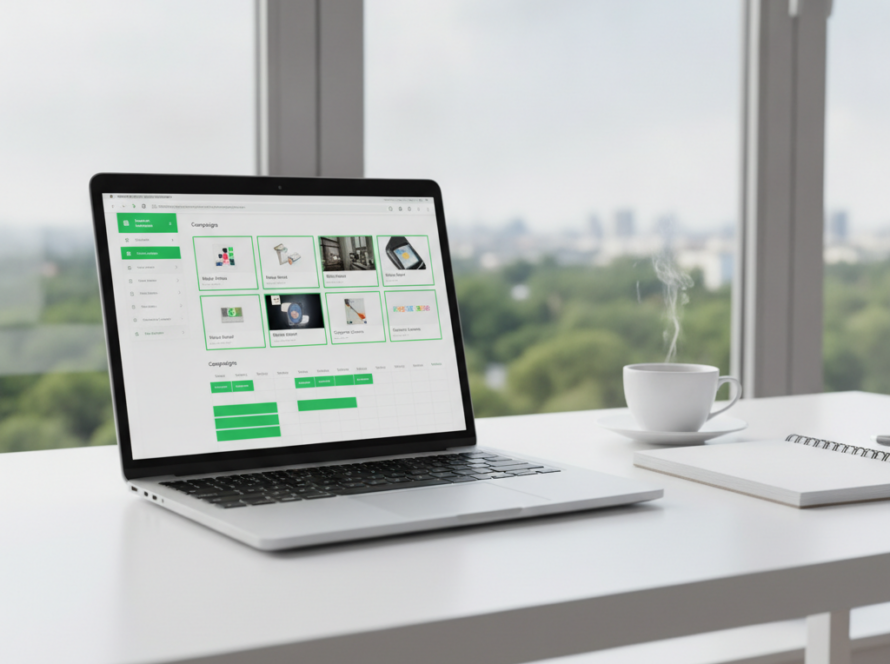
Trial the Sign Inspire CMS on a single screen, or get a site walkthrough for your venue.
Related reading: Schools · AI signage · Installation guide